🎟️ Release — QR and Check-in System
v6.3.0

🚀 Launch — QR & Check-in System
MaunaOne v6.3.0 · May 19, 2026
✅ Summary
✅ Booking tickets now include a unique QR code that can be scanned on the day of the event.
✅ Validate tickets from the admin panel or share a link with your door staff — without them needing a MaunaOne account.
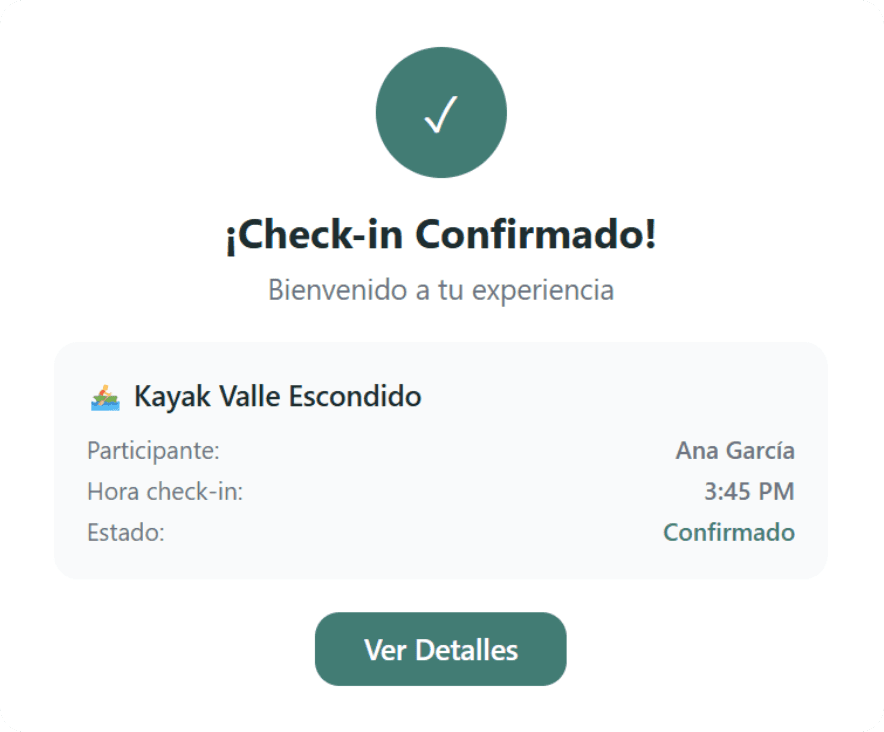
✅ Check-in is recorded on the platform to keep a real-time count of attendees.
🎯 The Problem It Solves
Until now, validating who arrived at an event was a manual process: paper lists, screenshots, or visual estimates. Without a digital record, it was easy to lose track of attendance, get duplicate tickets, or not know how many people were at the event.
With the QR & check-in system, every booking generates a ticket with a unique code. On the day of the event, you scan, register, and keep track in real time — all from MaunaOne.
🆕 What's New
🧩 Unique QR per ticket: Each order generates a QR code included in the confirmation email and downloadable from the order page.
🧩 Internal Check-in (Admin): From the event calendar on your dashboard, open the check-in view and scan or manually check in attendees.
🧩 External Check-in with link + passcode: Generate an access link with a passcode for your door staff. It works from any phone with a camera, no account or extra app required.
🧩 Real-time attendance tracking: The check-in view shows how many people have arrived vs. the total expected per timeslot.
🧩 Check-in button on calendar cards: Direct access from the event card to open the validation view without extra steps.
👣 How to Use It (3 steps)
Go to: Calendar → select the event → "Check-in" button.
For internal check-in: scan the customer's QR or check them off manually from the list. For external check-in: generate the link with the passcode and share it with your door staff before the event.
The system registers every entry in real time — you can see the updated count at any time from your dashboard.
⚠️ Important Changes
The external check-in link requires a passcode: without the passcode, access is blocked. Always share it along with the link to your team.
QRs are per order, not per person: if an order contains multiple spots, the same QR covers the whole group. The system logs the order as verified.
Tickets prior to this release do not have a QR: Only new orders generate QRs automatically. Existing orders can be checked in manually from the check-in list.
📣 Feedback
Already used it at an event? How did the process work for your door staff?
WhatsApp: +52 55 6187 3006
Email: support@maunaone.com